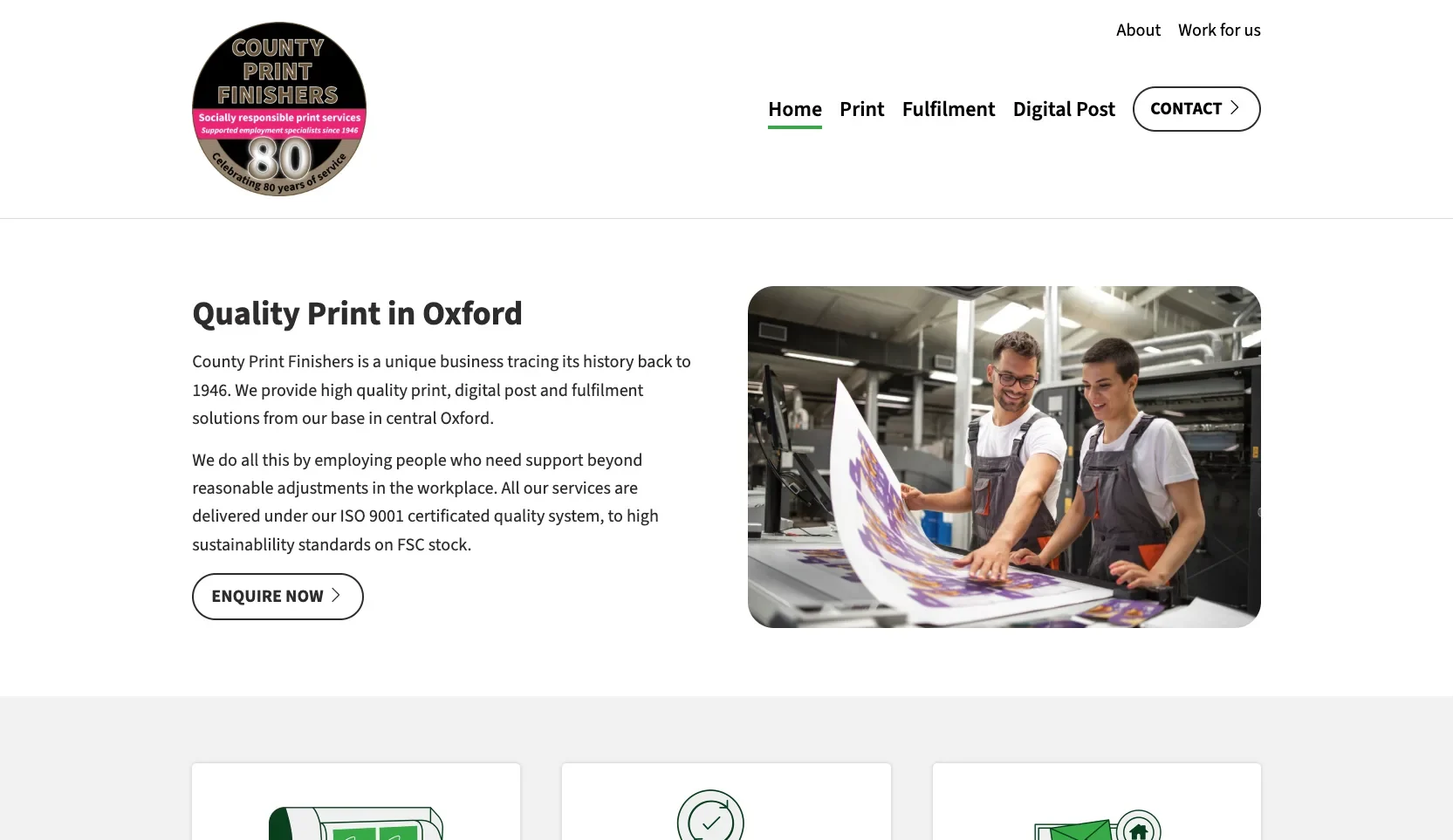
County Print Finishers
A minimalist, accessible WordPress site for a supported business in Oxford, with commissioned illustrations and accessibility built in from the start.
Read the case study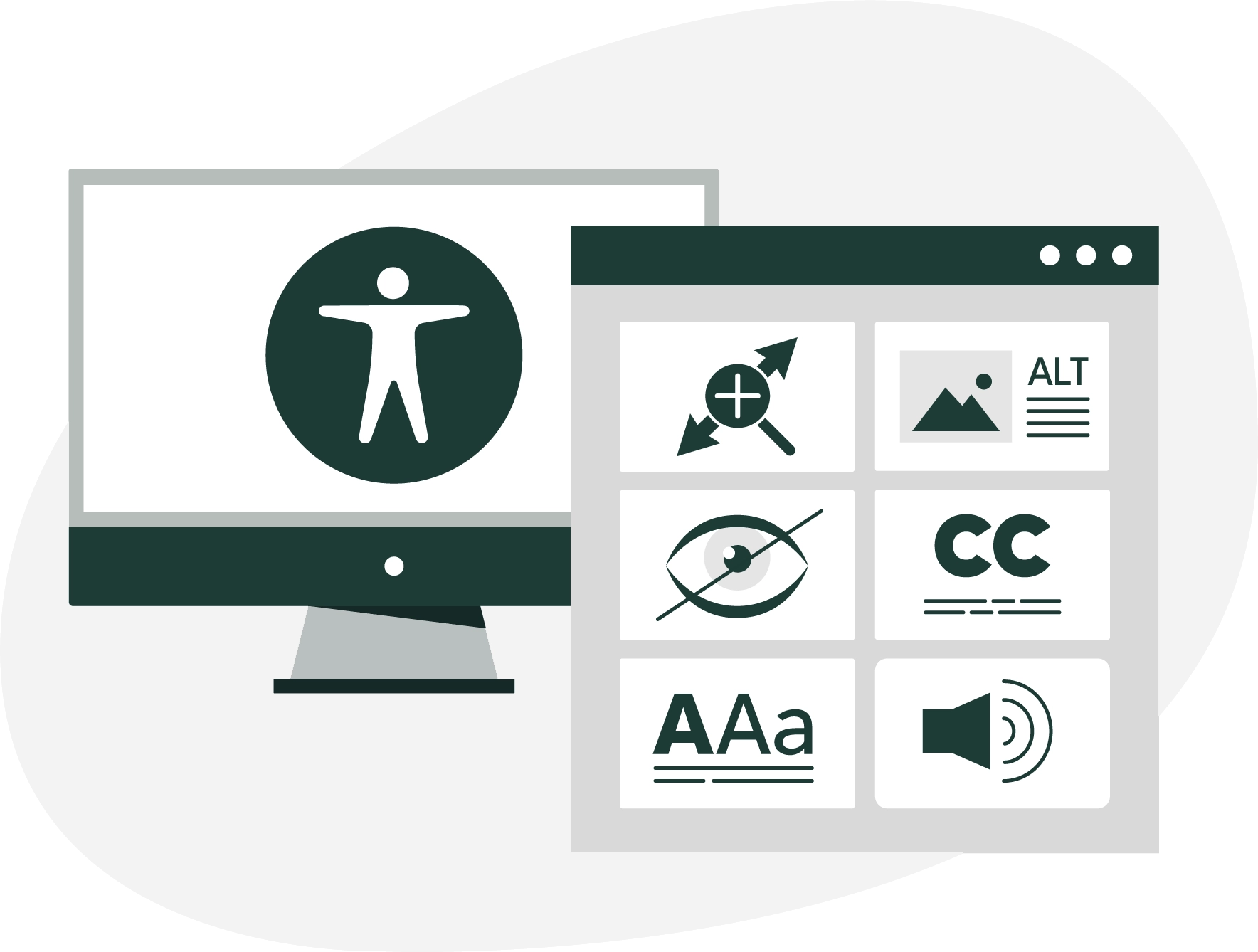
When accessibility is part of the brief, I build to WCAG 2.2 AA, the current standard, from the very first page rather than bolting it on at the end.
Done well, it's better for your visitors and for search engines, and it keeps you on the right side of the law.
No mystery and no jargon. Here's what I actually do when a project needs to be accessible.
Proper headings and page structure, so assistive tools can make sense of every page.
Everything works from a keyboard, with a clear outline showing where you are.
Meaningful labels, alt text and reading order, so a screen reader tells the right story.
Strong contrast throughout, and colour is never the only way something is shown.
Plain language, clear link text and enough space for every page to breathe.
Clear labels, autofill support, and error messages that tell you exactly what to fix.
County Print Finishers employ people who need extra support at work, so their website had to be just as inclusive.
A minimalist, accessible WordPress site for a supported business in Oxford, with commissioned illustrations and accessibility built in from the start.
Read the case studyAccessibility isn't a nice-to-have you add at the end. It decides whether a chunk of your audience can use your site at all.
The Equality Act expects businesses and charities to make reasonable adjustments online, and public sector bodies have stricter duties still. Building to WCAG 2.2 AA keeps you well ahead.
Plenty of your visitors use a keyboard, a screen reader, bigger text or higher contrast. Get it right and none of them hit a wall, whatever they're using.
Clear structure and readable text help every visitor, and search engines too. Accessible sites tend to be quicker and easier for everyone to use.
The things people most often want to know before getting in touch.
WCAG stands for the Web Content Accessibility Guidelines, the recognised standard for making websites usable by disabled people. Version 2.2 is the current one, and level AA is what most organisations, including all UK public sector bodies, are expected to meet.
The Equality Act expects businesses and charities to make reasonable adjustments online, and that includes their website. Public sector bodies have stricter duties under the accessibility regulations, including meeting WCAG 2.2 AA and publishing an accessibility statement.
Not at all. Accessibility is about clear structure, readable text and strong contrast, not stripping out personality. A site can look good and work for everyone.
Plenty of your visitors use a keyboard, a screen reader, bigger text or higher contrast. Clear structure and readable text help every visitor too, and search engines as well.
Yes. I set up the editing screens so it's straightforward to keep new content accessible, such as adding alternative text to images, and I'll explain what to look out for as part of the handover.
Whether you need a new accessible site or an honest look at the one you've already got, I'm happy to talk it through in plain terms.