Build the WooCommerce checkout you need
Ask customers exactly what you need at checkout: a gift message, a VAT number, a delivery date or a name to engrave. Change the standard fields, show a question only when it applies, and charge for extras like gift wrapping. No code needed.
Get it on WordPress.org (opens in a new tab)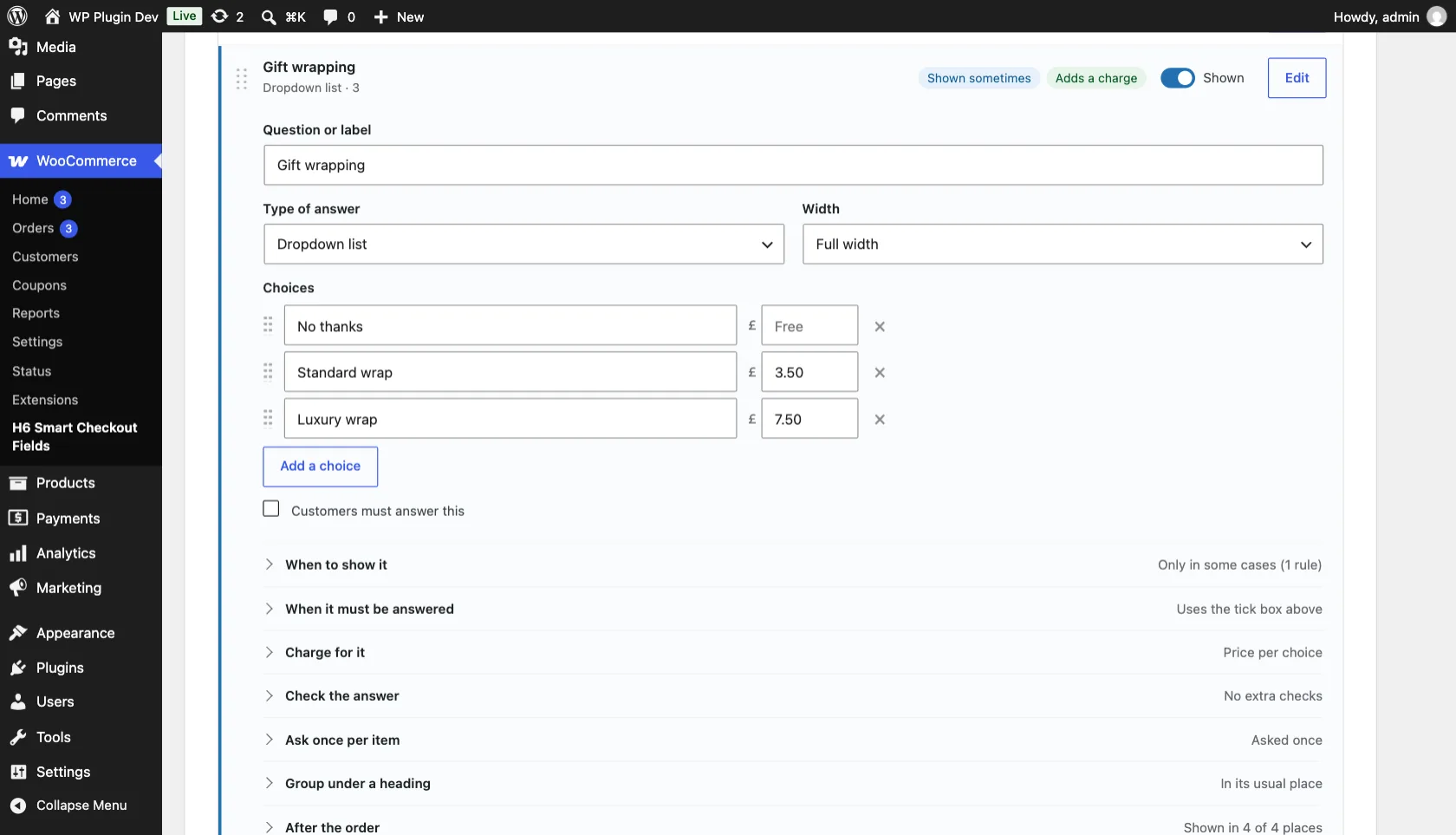
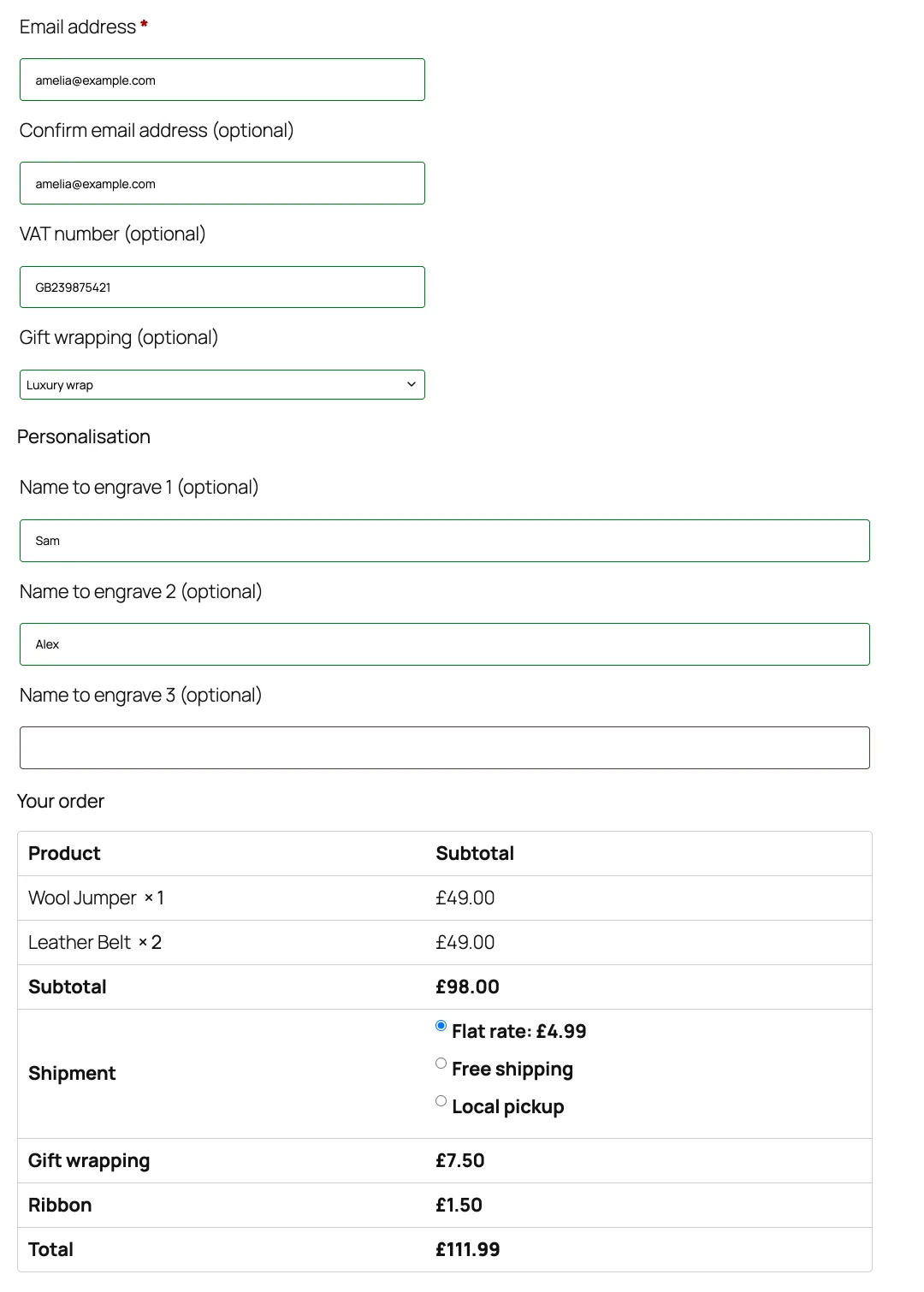
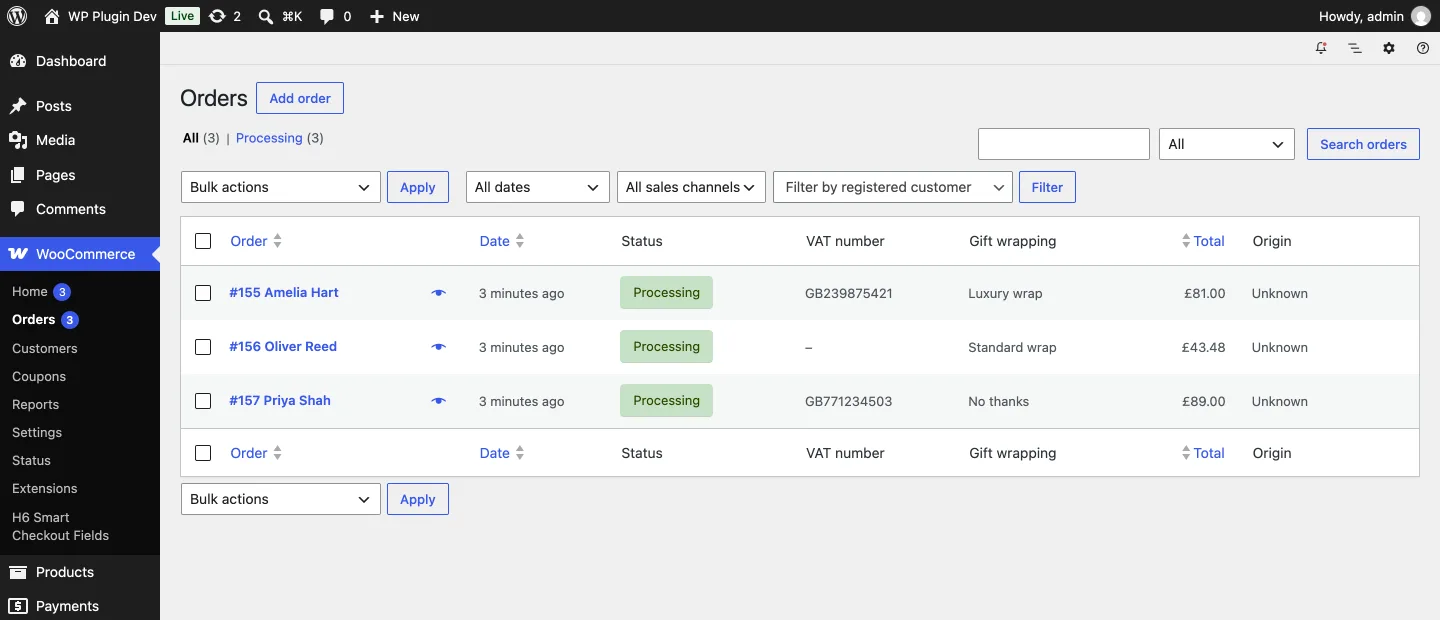
What your customers see, and what you see
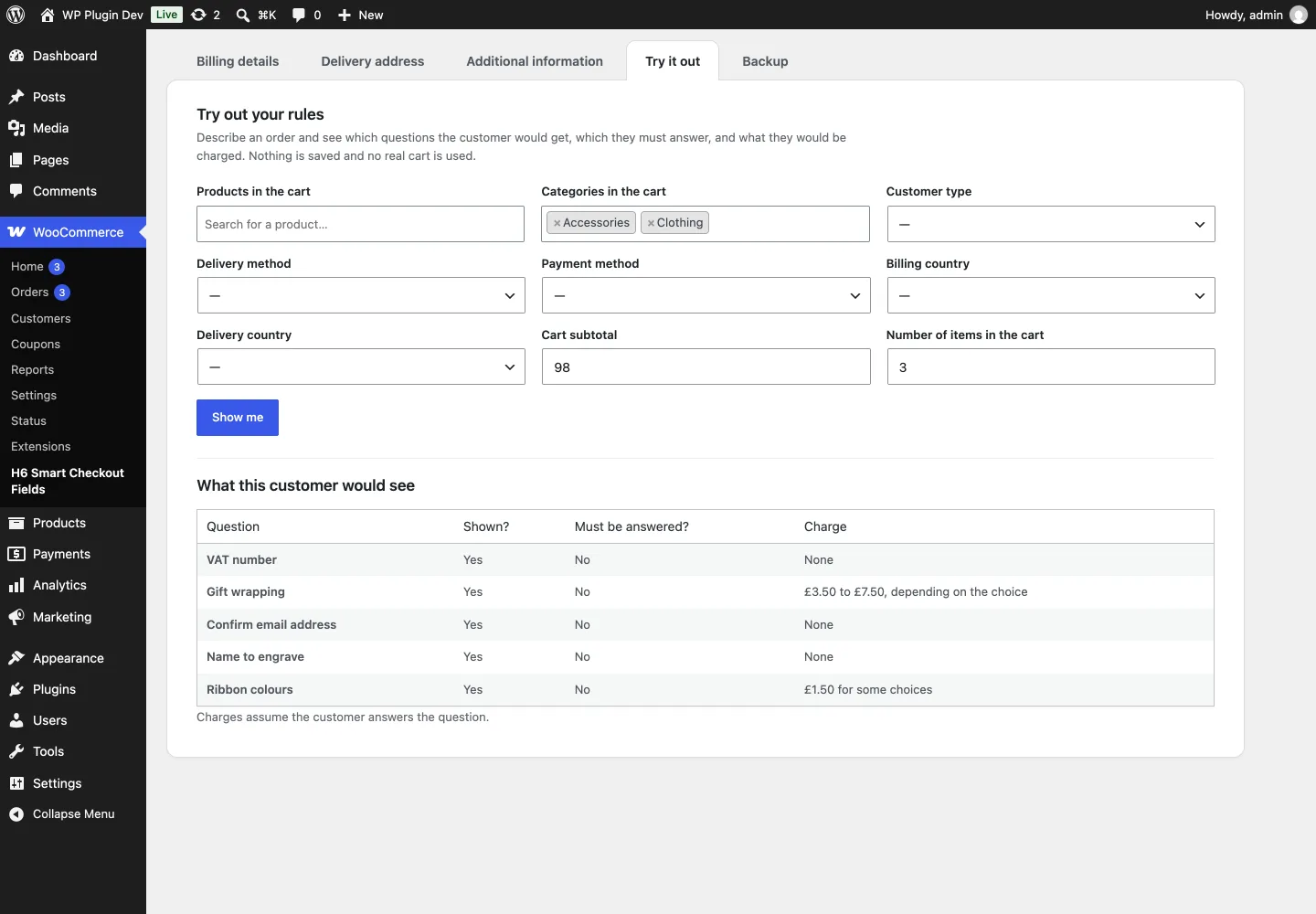
Every question has a short editor with the basics up front, and you can try your rules out before customers ever see them.
Everything it does
All of it is in the free plugin. There is no paid version.
Change the standard fields
- Rename any field and change its hint text
- Make fields required or optional, or hide them
- Drag fields into the order you want
- Go back to WooCommerce’s own wording at any time
Ask your own questions
- Short and long answers, dropdowns, pick one or pick several, tick boxes
- Email, phone, number, date, time and colour
- File uploads, with the types and size you allow
- Headings and notes to break up the checkout
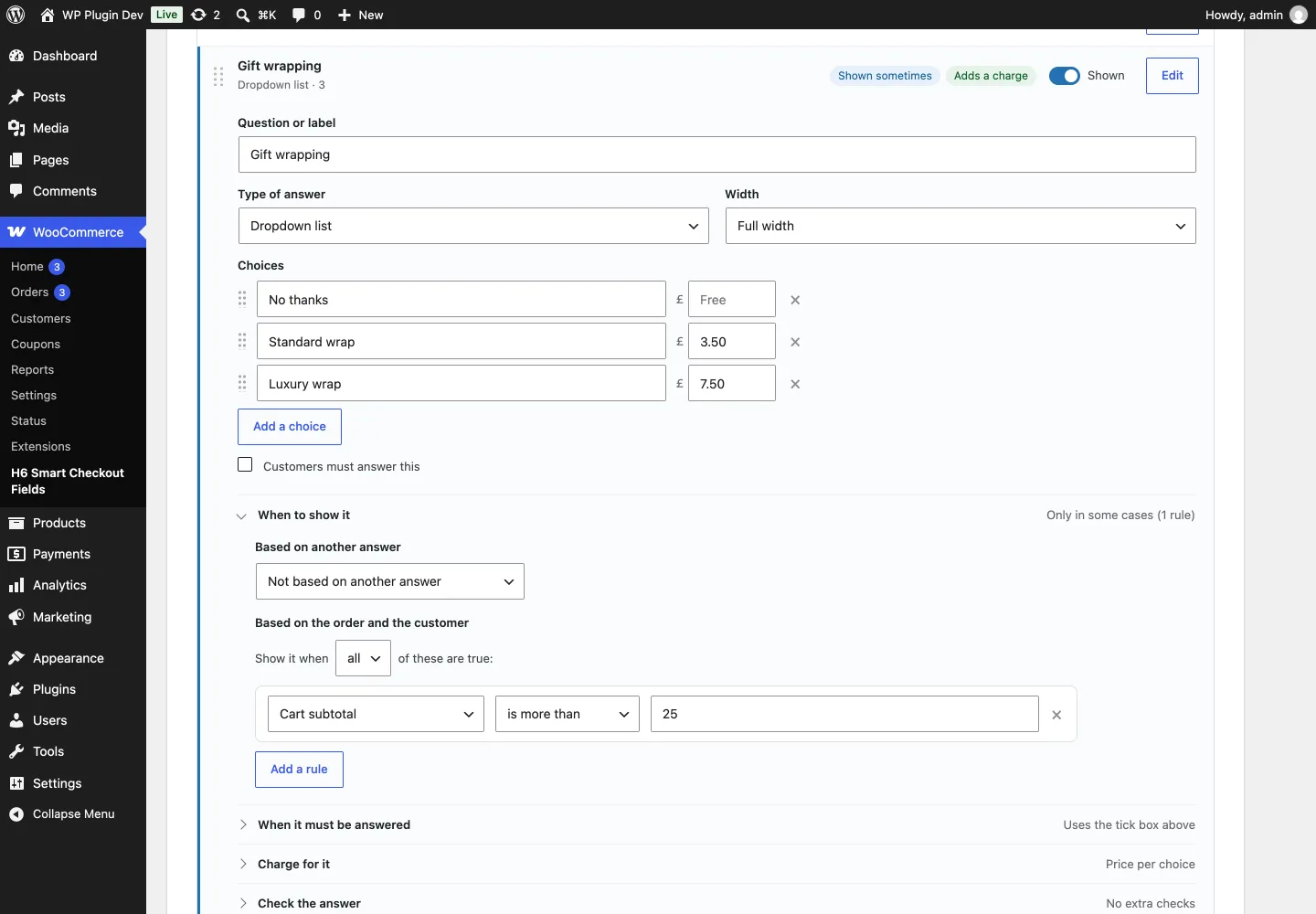
Only when it applies
- Based on another answer, such as “Is this a gift?”
- Based on the cart: products, categories, subtotal or number of items
- Based on the customer, their delivery or payment method, or country
- Make a question compulsory only in some cases
Charge for extras
- A set amount, a price per choice, per item or a percentage
- Optional minimum and maximum charges
- The total updates as soon as the customer picks
- A hidden question never adds a charge
Check the answer
- Shortest and longest answer allowed
- Must match another answer, such as “confirm email”
- A proper email address, or a number within a range
- Delivery dates: earliest and latest, closed days and a cut-off time
- Your own message if the check fails
Organise and follow up
- Ask once for every item, such as a name to engrave
- Group questions under their own heading
- Answers on orders, emails and the customer’s account, as a column in your orders list, and in order search
- Try your rules out, and back up your set-up
Works with the classic WooCommerce checkout. It does not yet change the newer Checkout block.
Need a hand with your WooCommerce store?
The plugin is free and supported through its WordPress.org forum. If you need something more bespoke, or want a hand fitting it to your store, just ask.